

BIM for Existing Buildings: What You Get from Scan-to-BIM
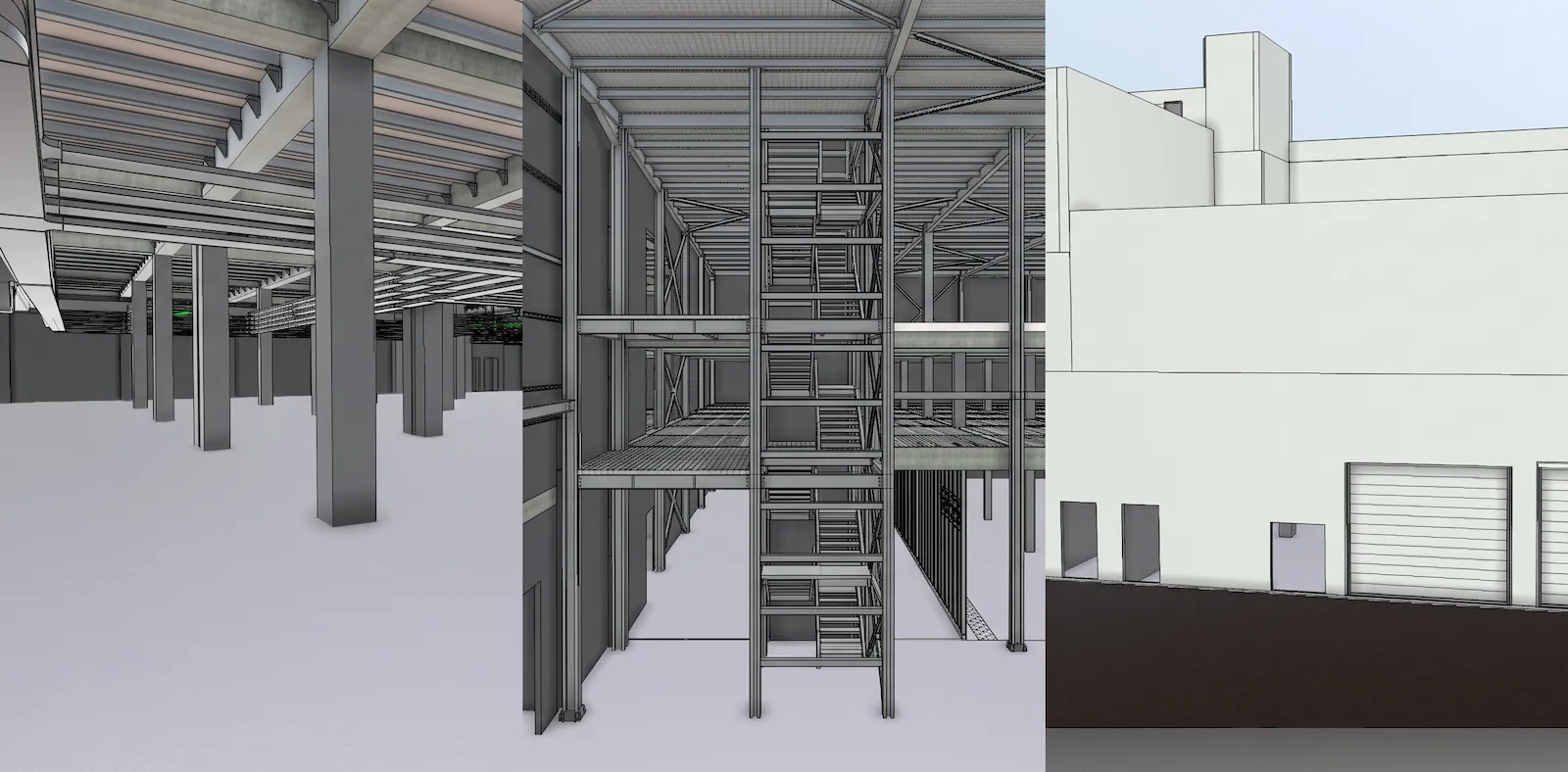
BIM Explained for Existing Buildings: What You Actually Get from a Scan-to-BIM Model
Walk into almost any building from before the digital age and the original drawings are often incomplete, inaccurate, or simply gone. Yet renovations, upgrades and maintenance plans still start from those drawings. This is the problem Scan-to-BIM solves. This guide explains what BIM is, what you receive at the end of a project, and how to decide how much detail you need.
What is BIM?
Building Information Modelling (BIM) is a 3D model in which every element, such as a wall, beam or duct, carries data. It goes beyond geometry, linking it with data for collaboration, cost estimation, clash detection and facility management. A CAD drawing shows you lines. A BIM model tells you what each object is.
Why existing buildings need BIM too
BIM is usually associated with new construction, but for existing buildings the process runs in reverse. We laser-scan the building to capture a precise point cloud, then model it, most commonly in Autodesk Revit. The result is a reliable as-built model that architects, engineers and facility teams can work from. It’s now one of the most widely used BIM applications for existing buildings across Europe and beyond.
What you receive
A typical Scan-to-BIM delivery includes:
- A registered point cloud of the scanned spaces
- A Revit model covering the disciplines you need (architecture, structure, MEP)
- 2D plans, sections and elevations extracted from the model
- An IFC export, so the model opens in other software
- An optional next step: connecting the model to live data as a digital twin
How much detail do you need? Understanding LOD
Level of Development (LOD) describes how detailed and reliable a model’s elements are. It runs from schematic (LOD 100) to fabrication (LOD 400+). At LOD 300, elements have exact size, shape, quantity and location, suitable for coordination and clash detection. LOD is best understood as a way to define model reliability and intended use, not a project phase.
In practice, decide what the model is for. A space-planning study needs less detail than an MEP retrofit. Modelling more than you need costs time and money, and modelling less than you need costs you later.
Standards that matter: ISO 19650 and IFC
ISO 19650 is the international evolution of the earlier UK PAS 1192 framework, built around information management, common data environments and defined delivery responsibilities. At the collaborative level, discipline models are combined into a federated model, exchanging information through open formats such as IFC and COBie. If your project involves several consultants, ask for these from the start.
How a Scan-to-BIM project works
- Scope: we agree the spaces, disciplines and LOD.
- Scan: our team captures the site with laser scanners, with millimetre-level accuracy on the point cloud.
- Register: we align the scans into one point cloud.
- Model: we build the BIM model in Revit.
- Deliver: you receive the model, drawings and exports, with a review session.
FAQ
How is a BIM model different from a digital twin? A static BIM model becomes outdated after construction, while a digital twin reflects the building’s actual current state. Many clients start with the BIM model and add live data later.
Do I need BIM for a small renovation? Not always. If the drawings are missing or unreliable, even a small, focused model can prevent expensive surprises on site.
Can I get plans without the full model? Yes. We can extract 2D drawings from the scan for projects that don’t need a 3D model.
What software do you deliver in? Revit models and IFC exports as standard. Tell us if you need another format.
Planning a renovation, an upgrade or a facility handover? [Request a quote] or [schedule a consultation] and we’ll recommend the right scope and level of detail.